Writing directly in a browser-based backend is manageable when a computer is nearby, but on a phone the experience quickly becomes frustrating. Mobile browsers are still limited for longer editing sessions, so the more practical solution is a note app that works across devices. For this use case, Android and Windows support were the main priorities: draft comfortably on a phone when necessary, then continue on a computer when available.
What mattered most was fairly simple:
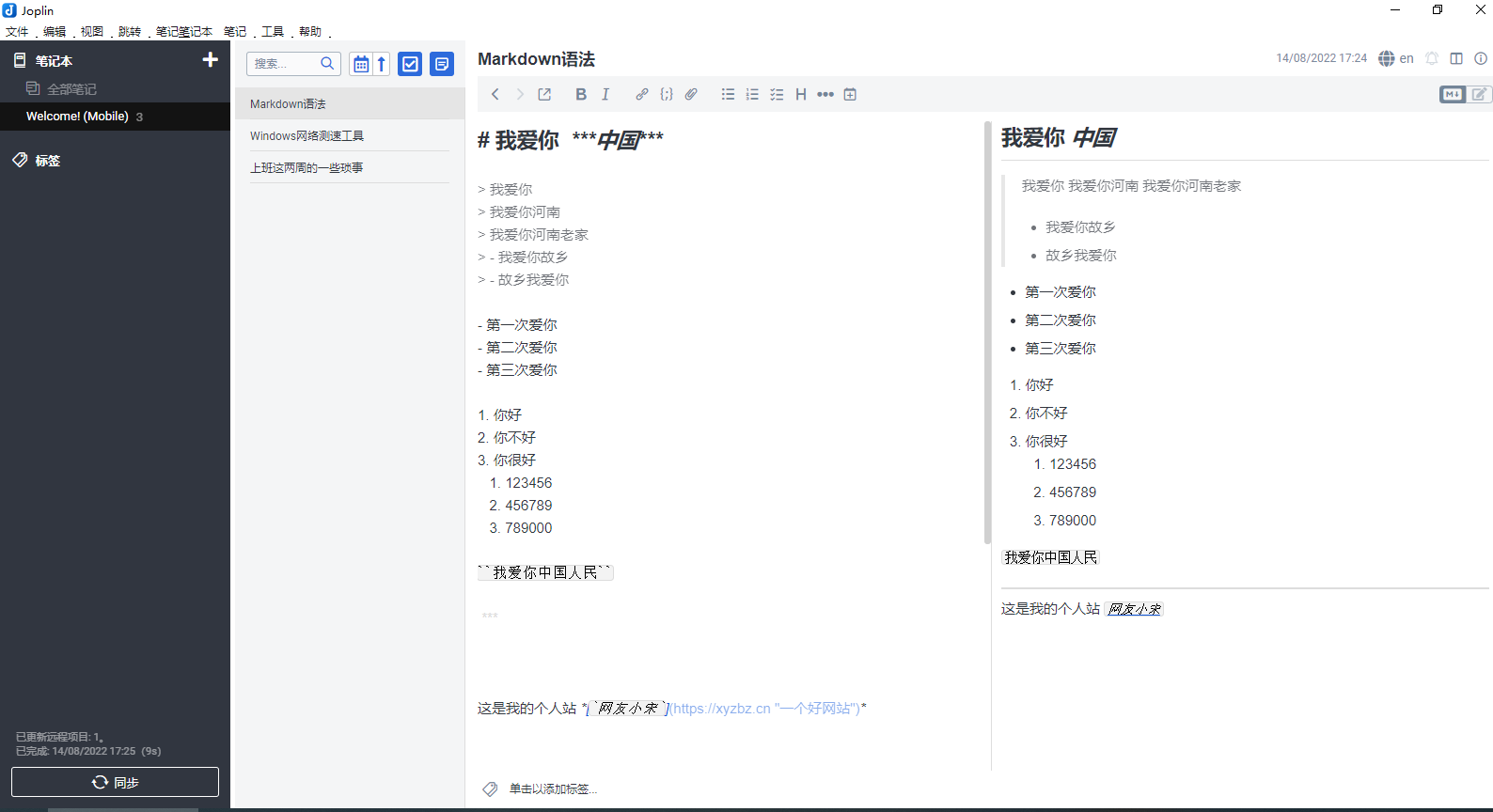
- Markdown editing with preview
- Local note storage
- Sync across multiple devices
- Easy data migration
- Open source, with a clean interface
Quite a few editors were tested before settling on one. Some only supported a small number of platforms. Others had cluttered interfaces or ads. A few felt dated enough that it was hard to tell how long ago their Android versions had been built. The real pain point was mobile editing: the app needed to be pleasant enough to use on a phone, while still syncing smoothly to a desktop where writing is naturally faster.
For that, Joplin turned out to be a good fit.
What Joplin offers
Joplin is a free, open-source note-taking app. It has broad platform support, with clients available for Windows, macOS, Linux, Android, and iOS. It is updated fairly often, and it also has a rich plugin ecosystem for those who want to extend its functionality.
Its official website is: https://joplinapp.org/
Installing Joplin
Setup is straightforward. Go to the official Joplin website, choose the client for the device you need, download it, and install it. Once installed, you can open the app and start using it right away.
Sync options
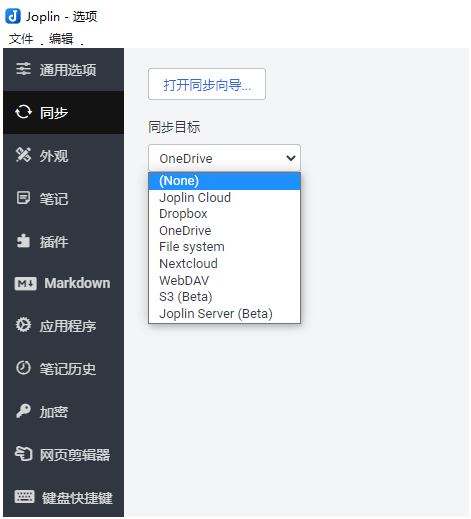
There are many sync setups available for Joplin, and plenty of tutorials online cover different approaches. A simple option is OneDrive: just sign in with your account and password, and the setup is very beginner-friendly.
If you prefer to keep things under your own control, Joplin can also work with private cloud storage solutions such as nextcloud or filerun. That route makes sense if you already have a server or storage device available, although for basic article drafting and publishing, self-hosting may not be necessary.
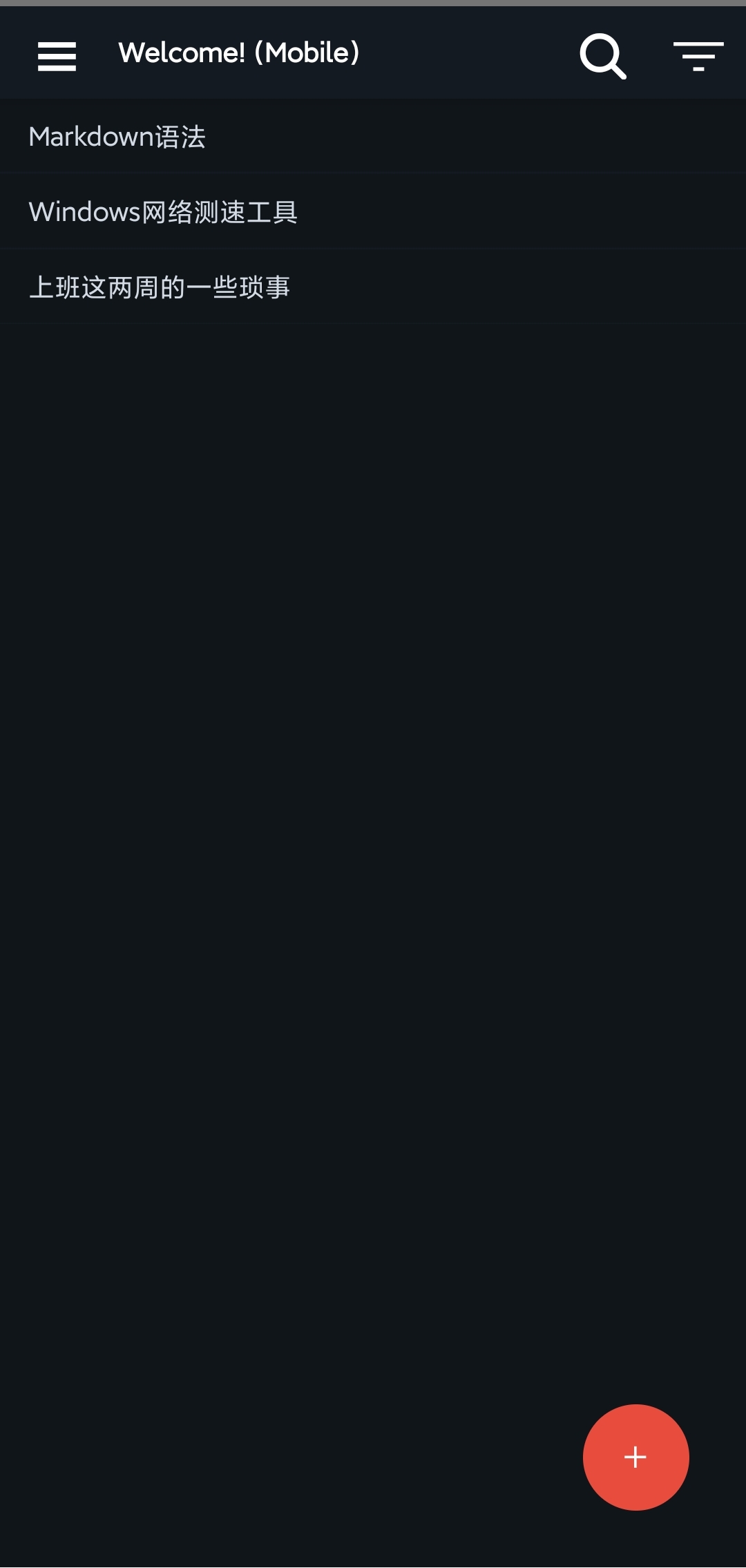
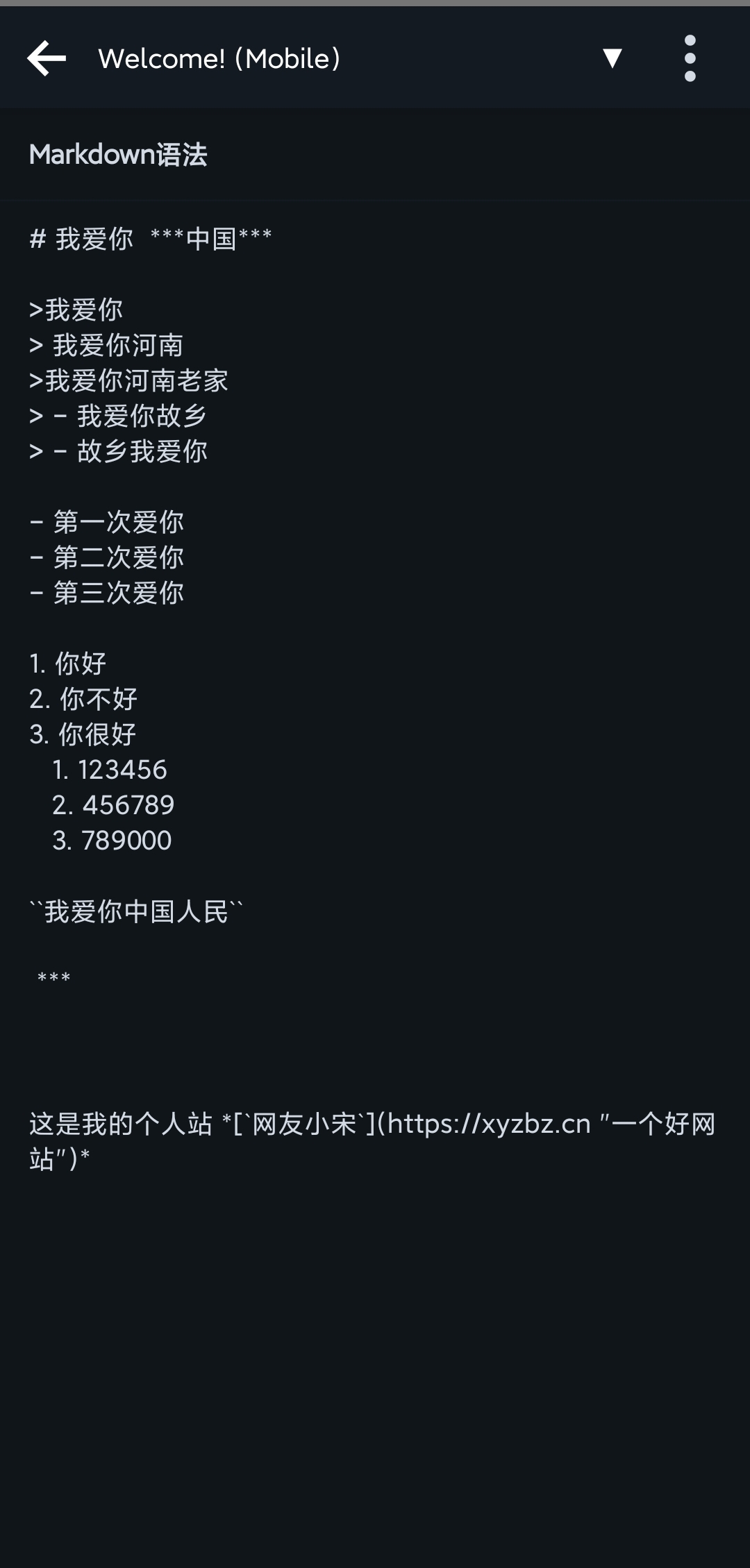
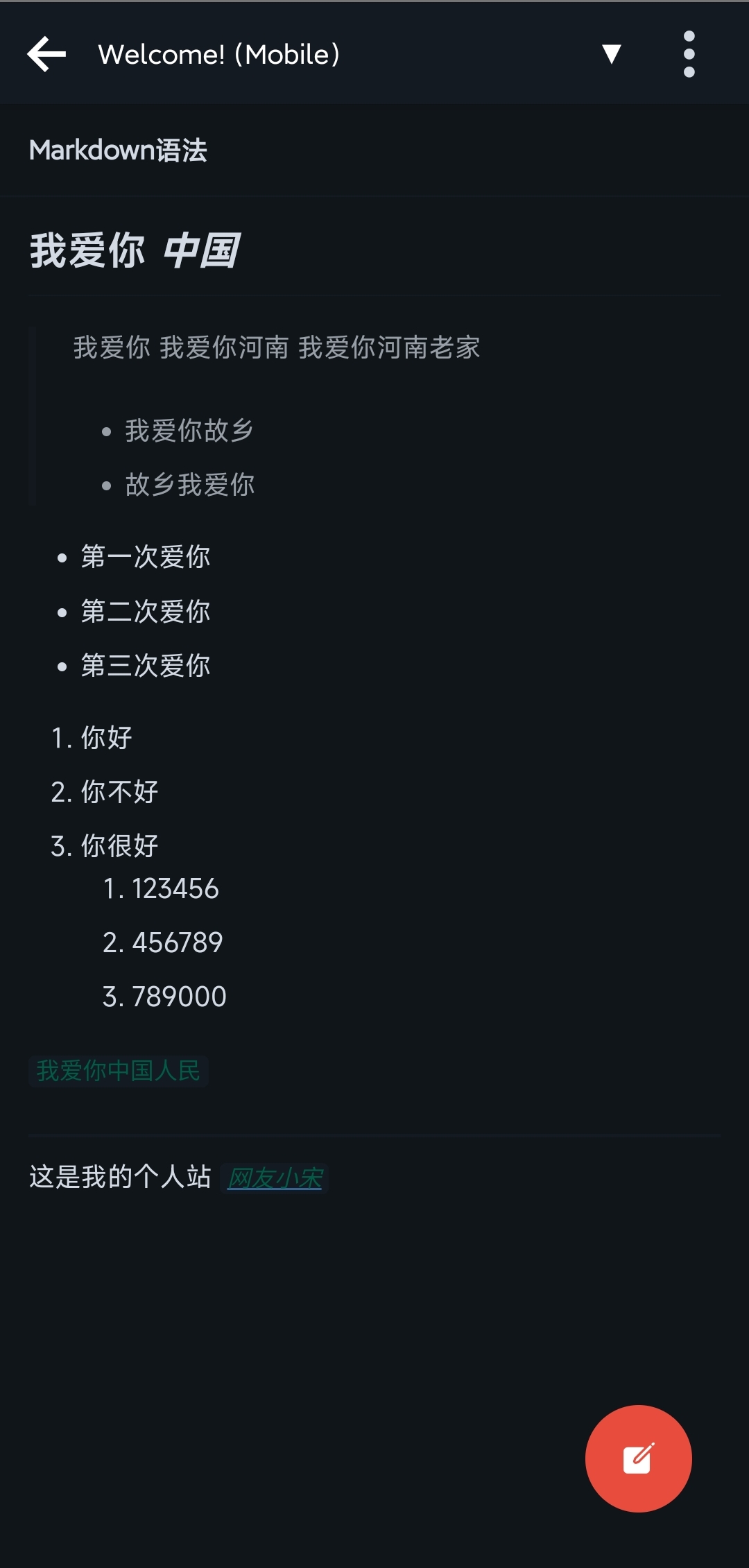
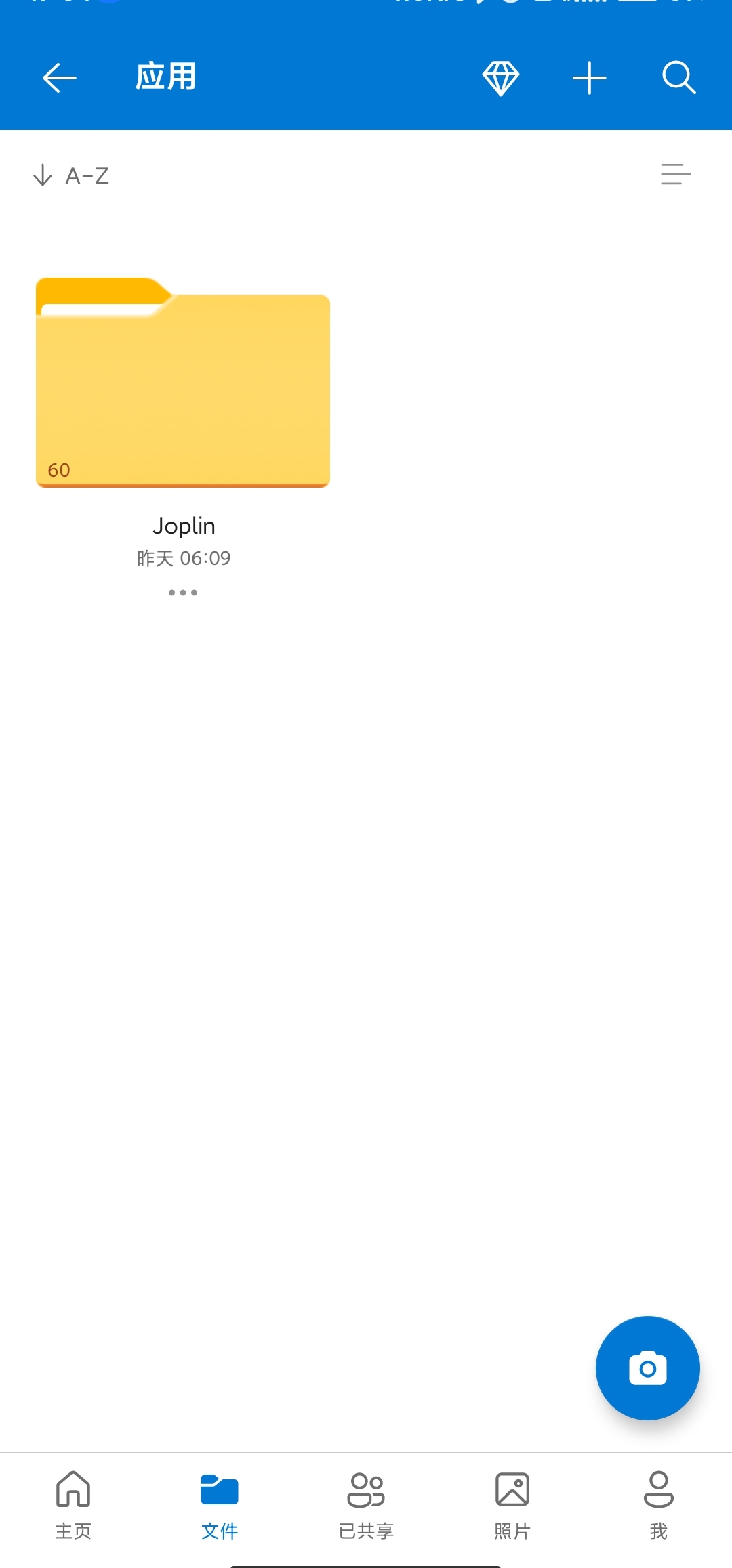
For anyone looking for a Markdown-based note app with local storage, cross-device sync, open-source licensing, and support across both phone and desktop, Joplin is well worth trying.