Right before heading out during the May holiday, my self-hosted WordPress site started throwing errors in several places at once. A few unresolved issues were left sitting there:
- The domain homepage showed 403 Forbidden.
- None of the Pages could be edited; opening the editor immediately triggered an error.
- The WP Statistics plugin stopped working.
- Jetpack Boost kept reporting errors.
After I got back, I spent some time digging through everything and eventually fixed them one by one.
The first problem turned out to be simple. While bulk-editing various WordPress includes, an admin had accidentally added a rule to the site root directory as well. Removing that extra rule fixed the homepage. A 403 like this is usually tied to configuration problems where the server can no longer recognize the index file properly, so checking recent config changes is the fastest way to narrow it down.
The other three issues took more time. After looking through different discussions and references, I realized they were actually symptoms of the same root cause: the WordPress REST API was broken.
What the error looked like
The first warning showed up in Site Health Status:
The REST API did not behave correctly.
Opening the Performance details showed this:
The REST API is one way that WordPress and other applications communicate with the server. For example, the block editor screen relies on the REST API to display and save your posts and pages.
The REST API did not process the context query parameter correctly.
At the same time, WP Statistics displayed:
Warming: WP REST APl Connection Error Detected. Flush Rewrite Rules by Updating Permalink in settings → Permalinks and verify WP REST APl is Enabled.
Even though the message directly said WP REST API Error, I got sidetracked and kept assuming this was a Permalinks issue. I tried plenty of permalink-related fixes and none of them helped. The reply from WP Statistics support was not very useful either. Jetpack Boost was no better. It seems a lot of people have been seeing similar errors recently; there are plenty of unresolved questions about it in the WordPress community.
Fix #1: add a rewrite rule in Nginx
The solution that actually worked came from a technical forum. All I needed to do was add the following block to the Nginx configuration:
location ~ ^/wp-json/ {
   rewrite ^/wp-json/(.*?)$ /?rest_route=/$1 last;
}
On my server, the Nginx site configs are under /etc/nginx/sites-enabled. If you are using a VPS, there may be multiple files there, so find the one tied to your WordPress site and place this rule in the appropriate location section.
After that, restart the nginx service:
systemctl restart nginx.service
That was enough to restore normal behavior.
Fix #2: a WordPress-side workaround
There was another approach I found in replies on the official WordPress GitHub, though I did not test it myself.
Edit line 327 of wp-includes/rest-api.php: rest_get_url_prefix()
Remove or comment out:
return apply_filters( 'rest_url_prefix', 'wp-json' )
Then add:
return apply_filters( 'rest_url_prefix', '?rest_route=' );
I did not use this method, so I cannot say how reliable it is in practice, but it is another path people have suggested.
Why this affects editing and plugins
The connection between page editing failures and the REST API is pretty direct. The block editor depends on it for loading, saving, and updating content. That also explains why the classic editor or a Markdown-based editor can still work in some cases even when the block editor fails.
A lot of plugins rely on the same API too, which is why multiple unrelated features can appear to break at once.
What the WordPress REST API actually does
In simple terms, the WordPress REST API is the interface that lets applications communicate with a WordPress site by sending and receiving data as JSON.
By default, if the REST API is left enabled, there are some risks people often mention:
- It can expose quite a bit of information about a WordPress site, which is not ideal from a security standpoint.
- Requests to that URL trigger a substantial amount of WordPress code. If someone keeps scanning it at high frequency, the site may slow down or even become unstable.
At the same time, many common WordPress features depend on it, including:
- The Gutenberg block editor, which uses the REST API when editing and publishing pages or posts. If it is completely disabled, you can get an “Updating failed.” error.
- Yoast SEO and Ryte dashboard widgets.
- Jetpack.
So while some site owners disable the REST API for security reasons, that can easily create its own set of problems. I am not especially interested in turning it off for now, so I am leaving it alone.
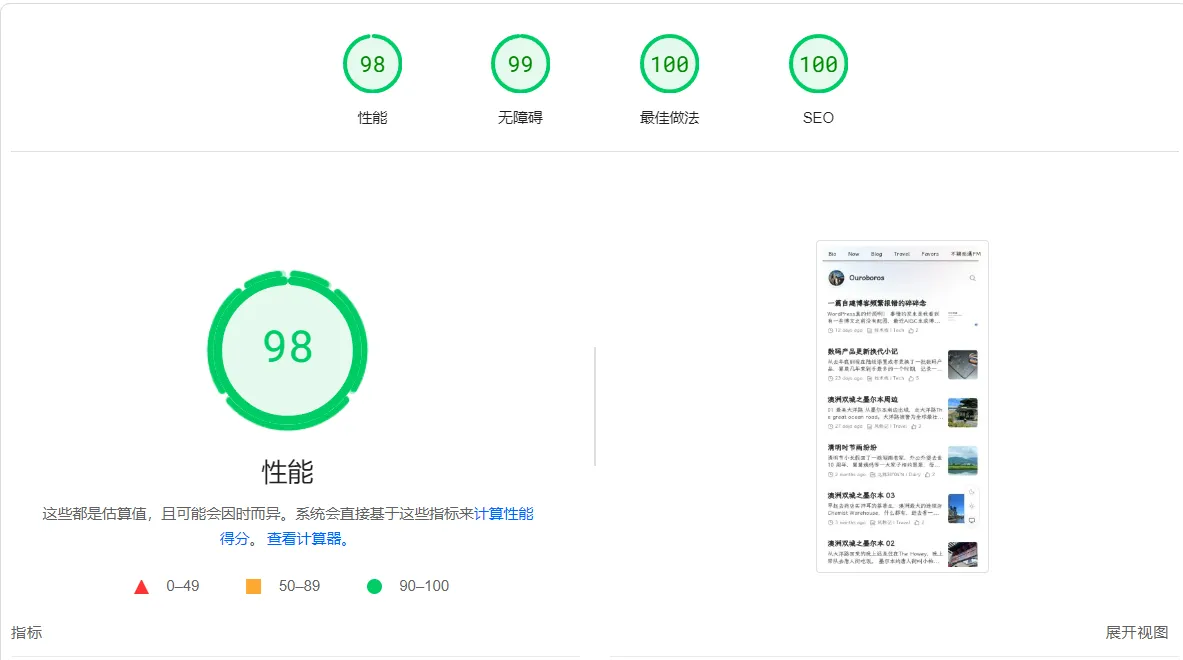
Jetpack started working again after the fix, but I removed it anyway. At the moment the site speed seems fine, and I do not really need it for optimization.
The next issue to deal with is traffic being higher than expected, which is putting more pressure on both the site and the database. I am planning to use Cloudflare R2's free storage to offload some access to images, audio files, and similar static assets, but that can wait a few more days.