When writing posts, it is often necessary to reference opinions or content from other websites. To respect copyright, adding a link to the original page is sometimes the right thing to do. But in some cases, you may not want to place the external URL directly in the article. Instead, you may prefer to use a redirect link.
There are many ways to do this online. A common approach is to add a go.php file and turn outbound links into something like go.php?url=. The problem is that this usually requires modifying files, which is not very convenient.
A simpler option is to use a WordPress plugin. One plugin that can achieve this effect without editing any files is Simple URLs. It can be searched for and installed directly from the WordPress admin dashboard.
What Simple URLs does
Simple URLs is a practical WordPress plugin for turning external links into internal short links. It makes use of WordPress’s own publishing system, so adding a link feels almost the same as publishing a post.
It also supports click tracking, so you can see how many times each redirect link has been clicked.
How to use Simple URLs
The plugin is simple enough that it does not need much explanation. The basic setup can be understood from the following example.
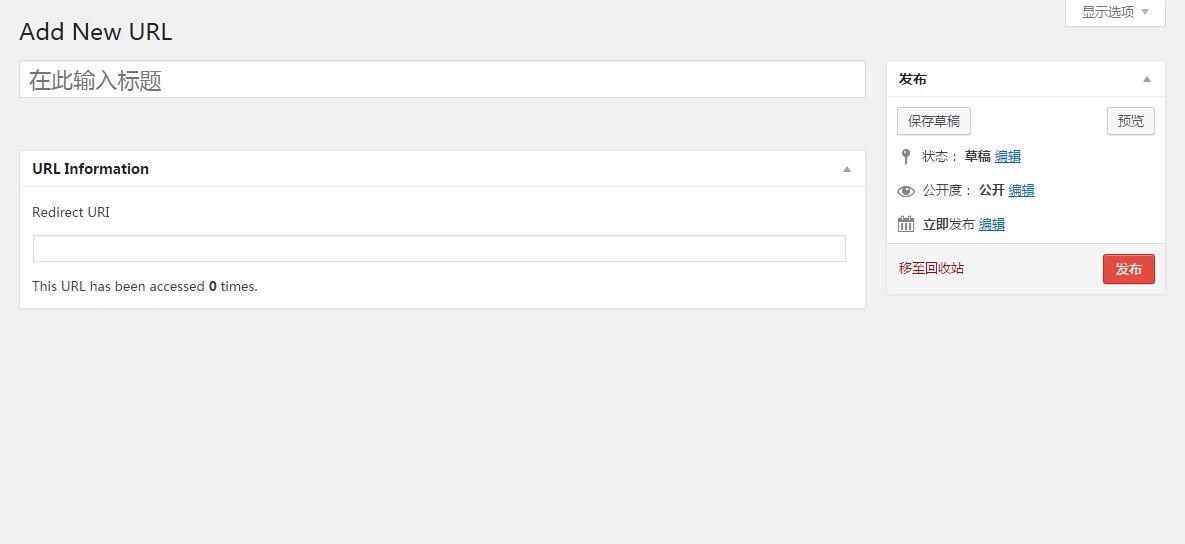
In the first field, Add New URL, enter a custom phrase for the short link. It can be anything, as long as it does not duplicate an existing one. In the field below, enter the original URL, which is the destination address for the redirect. After that, saving it is as straightforward as publishing a normal WordPress post.
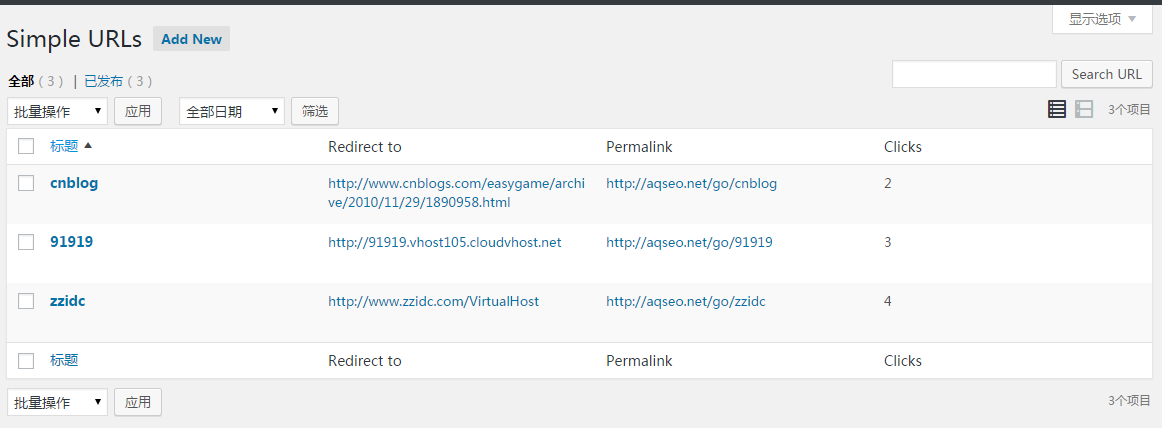
Once the link has been created, it appears in the list. On the right side, you can also see the number of clicks, which is useful if you want to keep track of how often the redirect is used.
A few notes
The main advantage of this plugin is that it is easy to use. It lets you add redirect links only where needed, instead of applying redirects globally to every external link on the site.
Its drawback is also obvious: if an article contains many external links, creating each redirect one by one can become time-consuming.