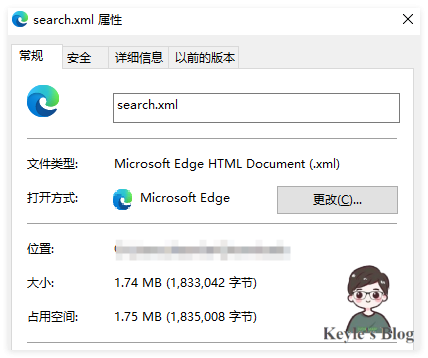
After adding a local search feature, the site gained about 1.74M of extra weight. That made page visits noticeably slower, but removing it was not really an option—without it, search would not work properly.
Since that part could not be avoided, the next step was to recover some loading speed from other areas.
Lazy loading images
The first optimization was enabling image lazy loading. The plugin used here is hexo-lazyload-image.
GitHub project: hexo-lazyload-image
Install it with:
npm install hexo-lazyload-image --save
The configuration is as follows:
<table> <thead> <tr> <th>1 2 3 4 5</th>
<th>lazyload: enable: true onlypost: false imageCDN: # eg https://same.cdn.com/ loadingImg: # eg ./images/loading.gif</th>
</tr>
</thead>
<tbody>
<tr>
<td></td>
<td></td>
</tr>
</tbody>
</table>
One thing to pay attention to is loadingImg: the site URL needs to be added. Otherwise, posts inside the page may fail to locate the loading image.
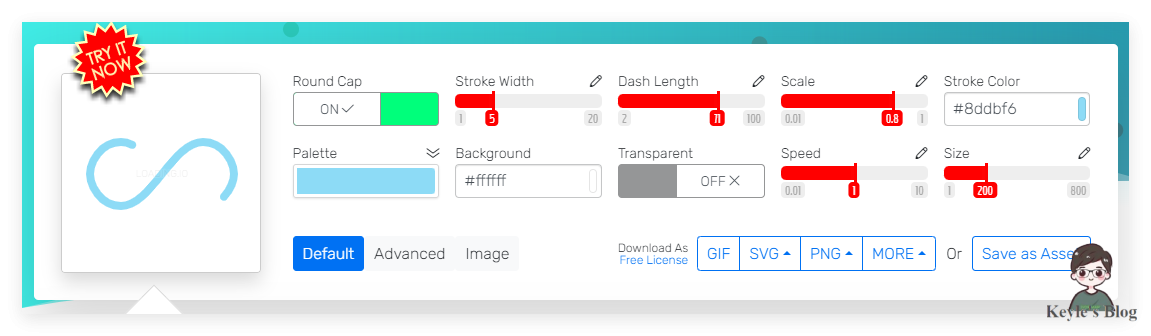
A loading animation can be generated for free at loading.io.
Compressing resources
Another part of the optimization is resource compression.
Hexo-minify is a compression plugin for Hexo. It can compress several types of site resources, including HTML, CSS, JS, fonts, and images such as jpg, png, gif, webp, and svg.
Preloading pages
For page preloading, InstantClick CDN can be used.
The idea is simple: when a user hovers the mouse over a link, InstantClick starts preloading the page behind that link. If the user then clicks it, the new page can appear almost instantly, because most of the content has already been loaded in advance.
It works by asynchronously loading page resources in the background, reducing the time users spend waiting after clicking a link.