A free AI art tool that’s surprisingly usable
A July update added two notable features to SeaArt: users can now upload their own materials to train a LoRA model, and the platform also supports AI-generated short videos.
After trying several AI tools, including the image features in New Bing and Baidu’s chatbot products, the results often felt inconsistent. In some cases the underlying model seemed capable enough, but strict content policies made it difficult to get the kinds of images I wanted. Local image generation was also not very practical because weak GPU hardware turned experimentation into a hassle.
That is what makes SeaArt stand out. It is a web-based AI drawing platform that can be used directly in China, and despite being relatively new, it already has a large enough user base and a fairly broad model library to make it worth exploring.
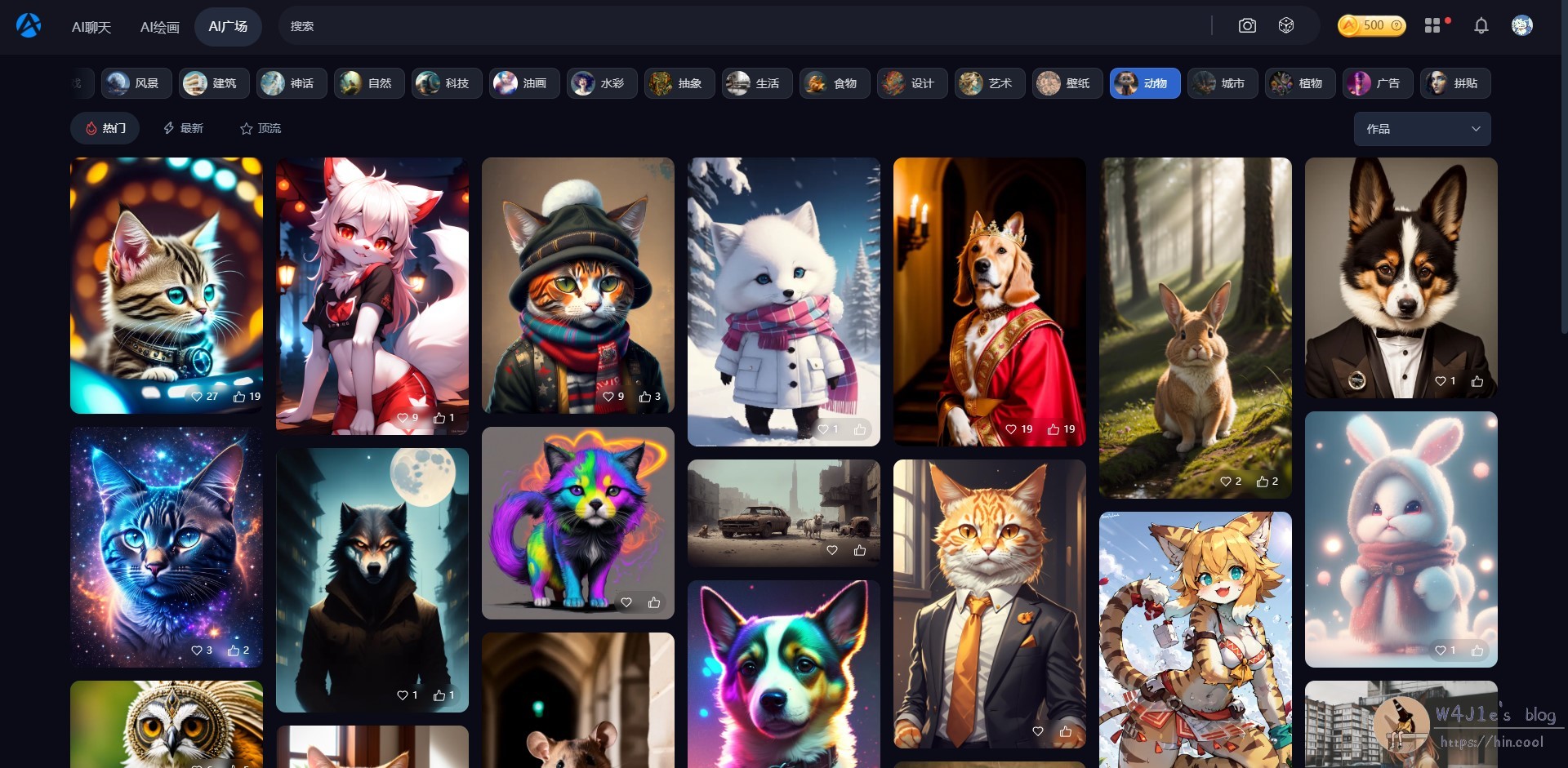
What SeaArt offers
SeaArt presents itself as an efficient and easy-to-use AI art tool. The idea is straightforward: users do not need professional drawing skills to generate large numbers of high-quality images for different scenarios. Its appeal comes from a mix of ready-made models, more advanced settings for people who want control, recommendation features, and a community space where users share creations.
Based on publicly available domain information, the site had been registered for less than three months at the time described here. Even so, the platform already appeared to host a large volume of generated images. In addition to image generation, it also includes AI chat features, though there was not enough hands-on testing to make a fair judgment about its language capabilities.
Registration and free usage
The homepage immediately shows a feed of user-generated works in many different styles. Registration options are fairly broad: besides a mainland China phone number, users can also sign in with email, Google, or Facebook, which suggests the service is not limited to the domestic market.
SeaArt uses a token or compute-based system. At the time of use, registration and core functions were free. Later updates adjusted the free quota policy: one update noted 80 free generations or upscales per day, with additional usage deducted according to compute time, roughly at a rate of 1 token per 10 seconds. A later July update converted tokens proportionally into compute credits and changed the daily free allowance to 60 uses.
After logging in, users can also visit the task center to claim bonus tokens or credits.
First impressions: easy to start, but results depend heavily on how you use it
The creation interface is entered through the AI drawing section in the upper-left corner of the site. SeaArt supports three main modes:
- text-to-image
- image-to-image
- conditional image generation
In text-to-image mode, you simply enter prompts and the system quickly produces four candidate images. On a first attempt, using plain, human-style descriptions without choosing a model or adjusting parameters did not lead to especially good results.
Typical AI drawing problems showed up right away. One character ended up with four feet. Another had two extra legs appearing beside a person sitting on a sofa. In some cases, a figure even generated with two heads.
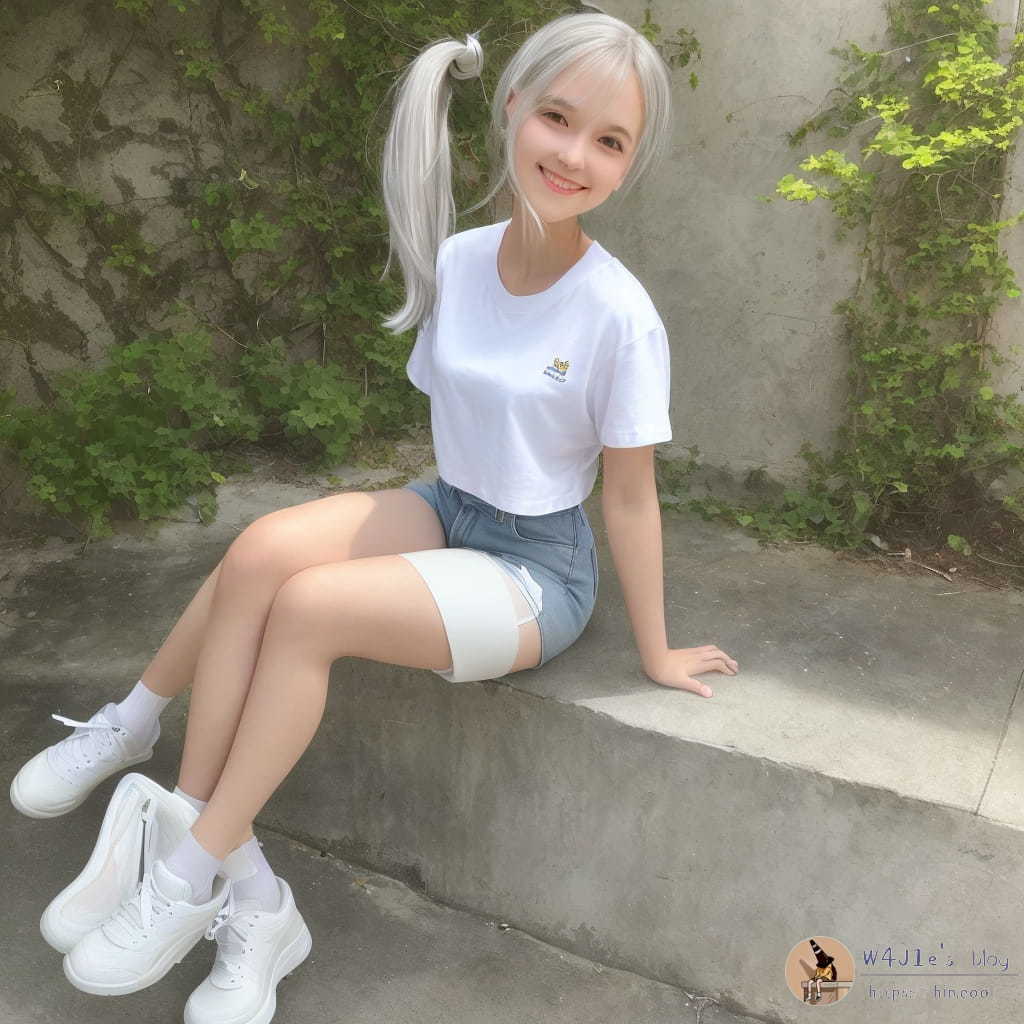
That changed after comparing my own results with the portrait images featured on the homepage. It became obvious that the issue was not only the model, but also the way it was being used. By selecting a high-quality example from the homepage and reusing its parameters and some of its prompt terms, the output improved dramatically.
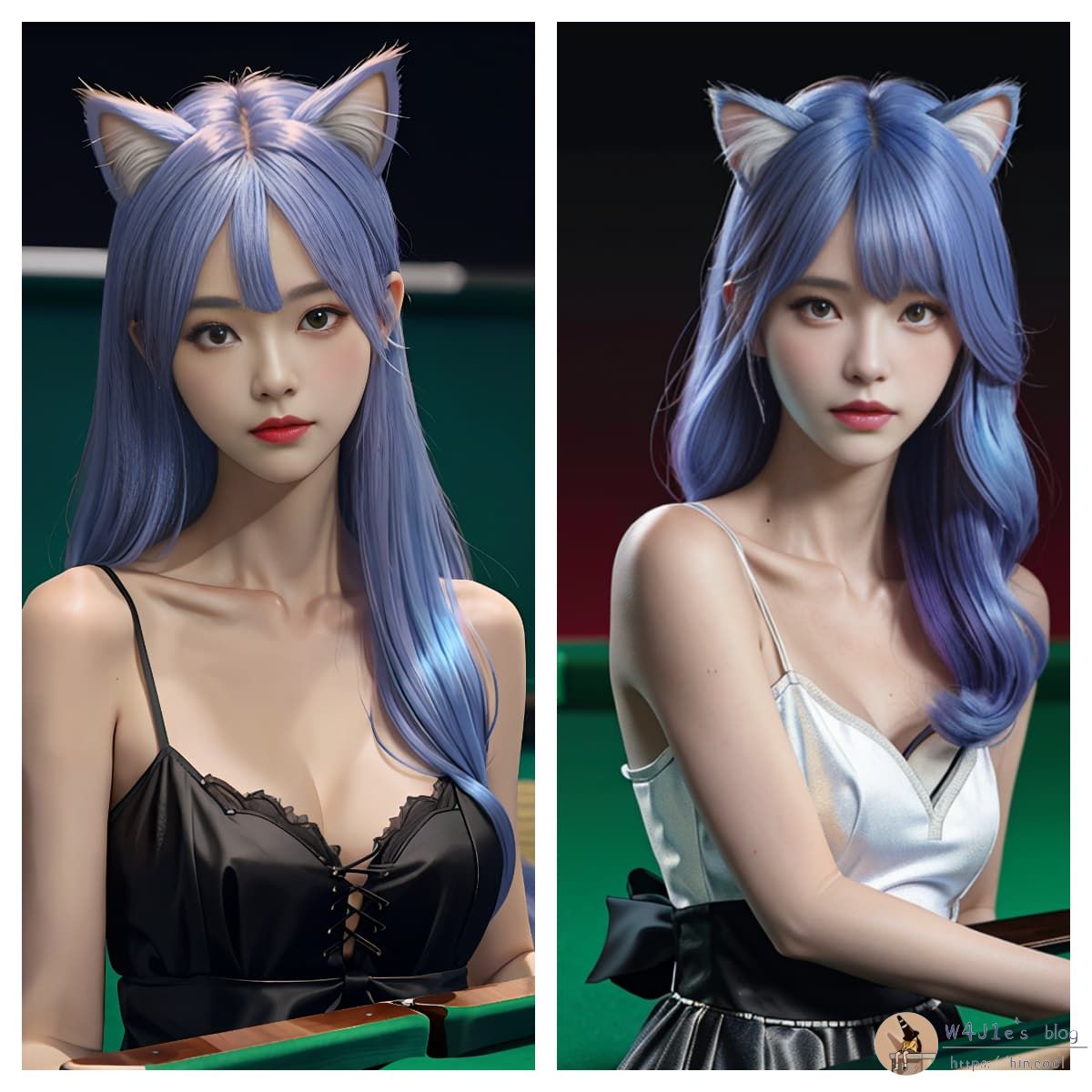
The comparison makes the pattern clear: facial structure, hair accessories, hair color, and even the collarbone area remained very close between the two generations. At the same time, the system does not produce perfect copies. If the prompt is adjusted further—for example, to make the collarbone look more natural—the overall feel can change. Small problems may still remain in the details: elbows can look slightly awkward, and the collarbone can appear too pronounced.
The same thing happened when trying different models, prompt sets, and visual styles. Even after making small prompt changes between two generations, the resulting faces stayed very similar and the style remained consistent, but the finer details still varied from image to image.
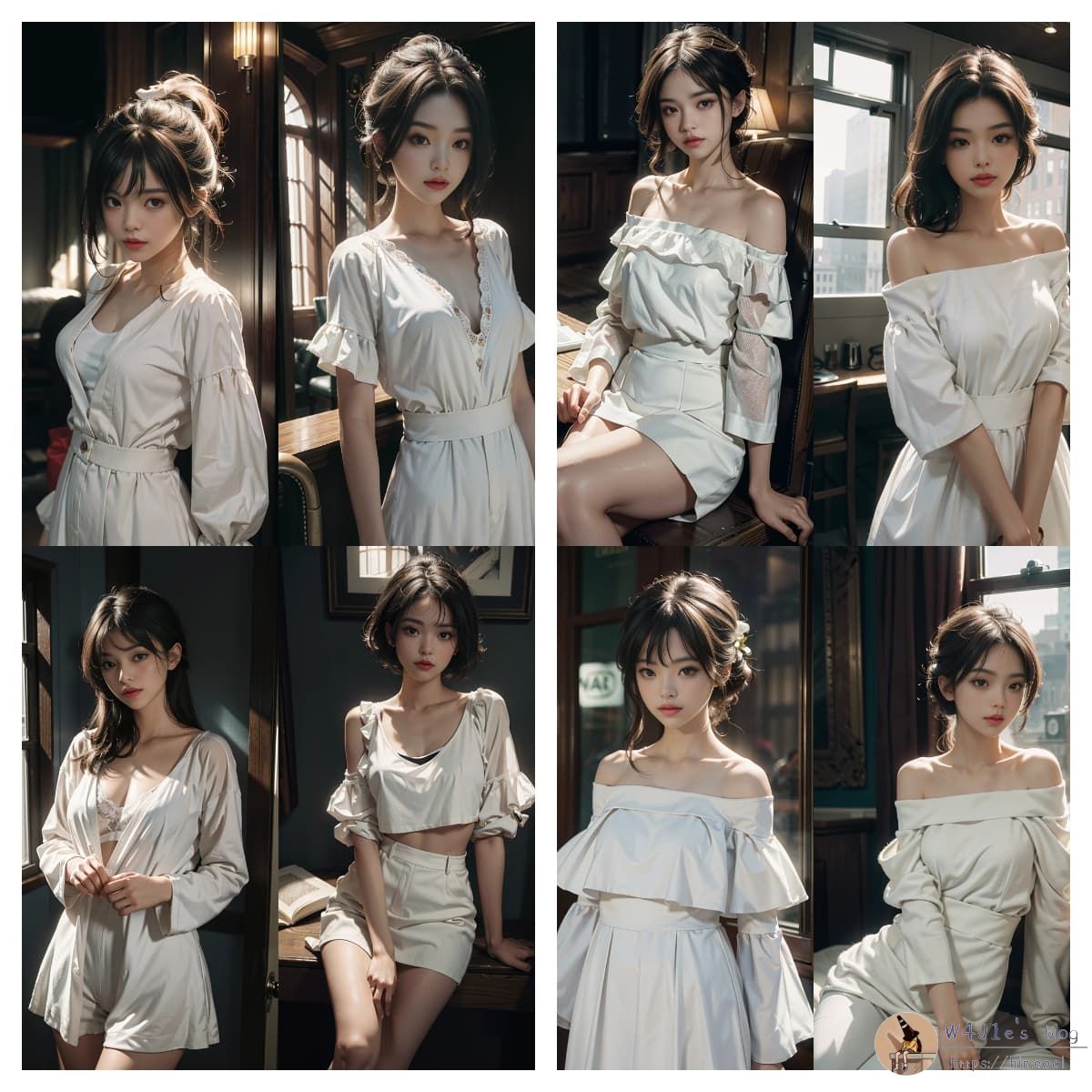
This is probably one of SeaArt’s most practical strengths: if part of the generated image looks wrong, you can tweak the prompt or settings and generate again instead of starting from scratch conceptually.
Not every subject works equally well
Portrait generation seems to benefit most from the available models and shared examples. Other subjects can be more hit-or-miss. Animal images, for instance, did not come out in the realistic photographic style I had hoped for, likely because the selected model was not well suited to that kind of output.
That said, the platform’s public gallery contains many examples, so there is plenty of material to study before generating your own images. Looking at successful works is often the fastest way to understand which prompts, models, and settings are most effective.
One important limitation is that the platform blocks NSFW image generation in order to reduce abuse and other risks.
Sample outputs
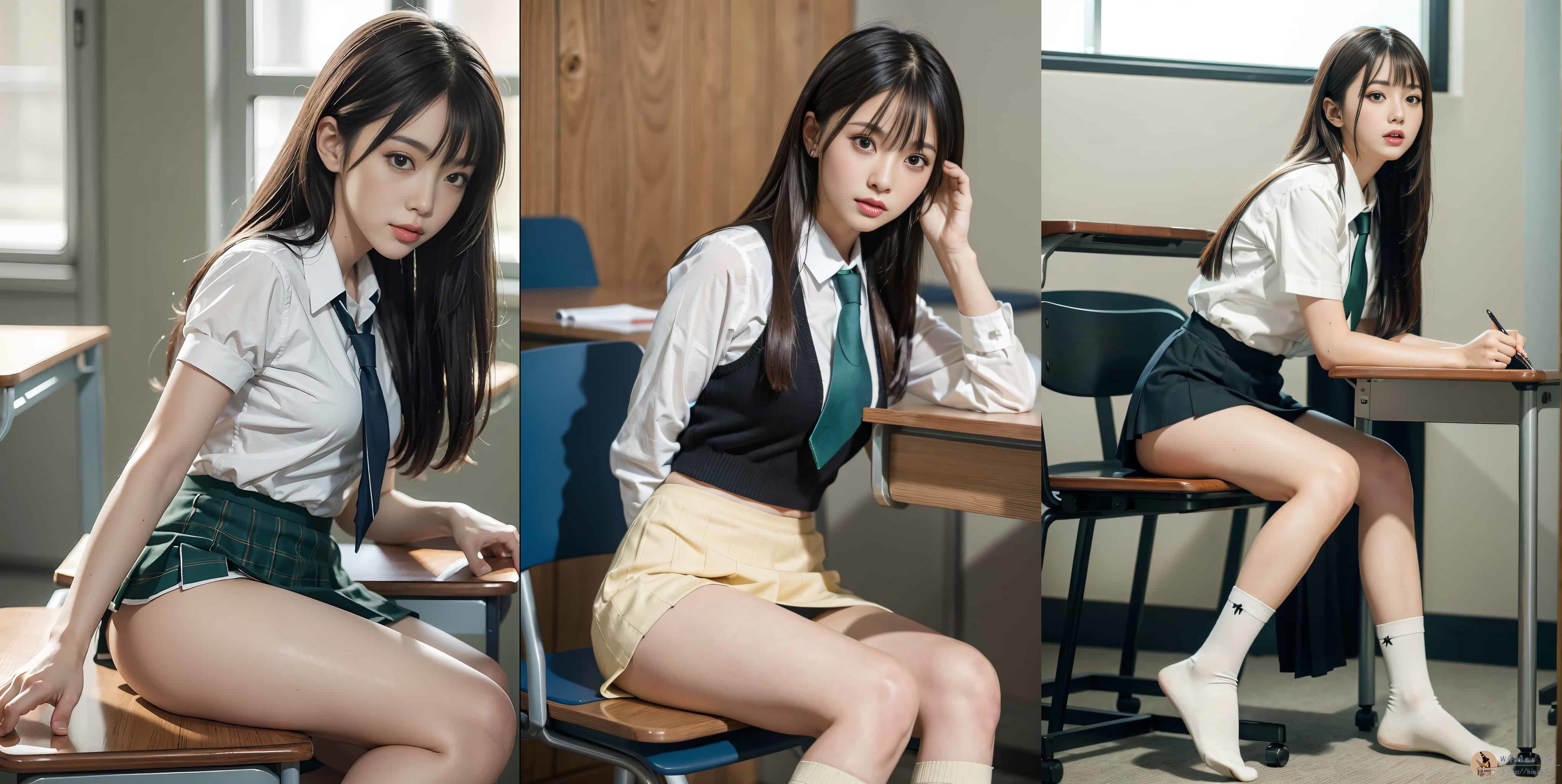
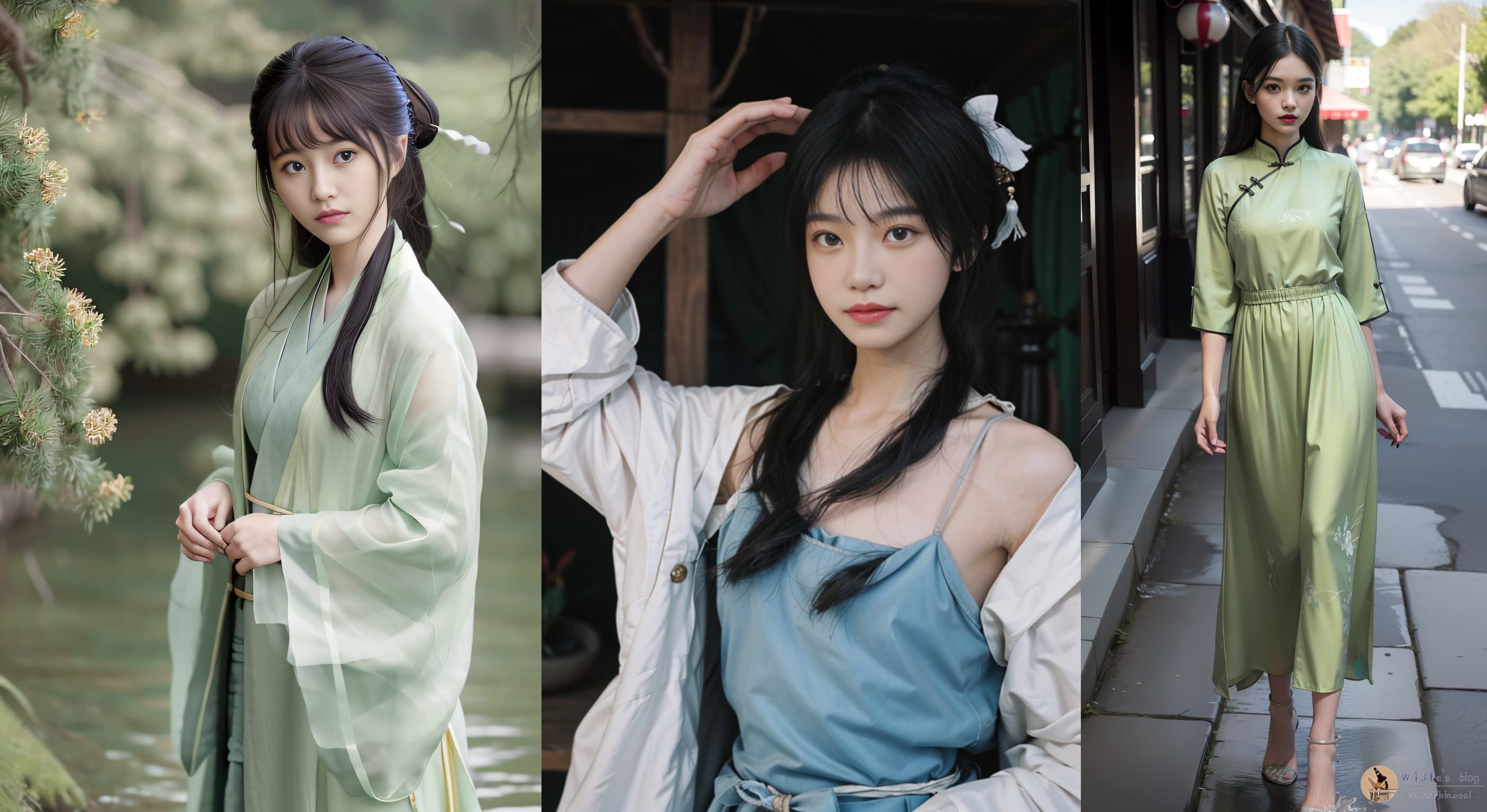
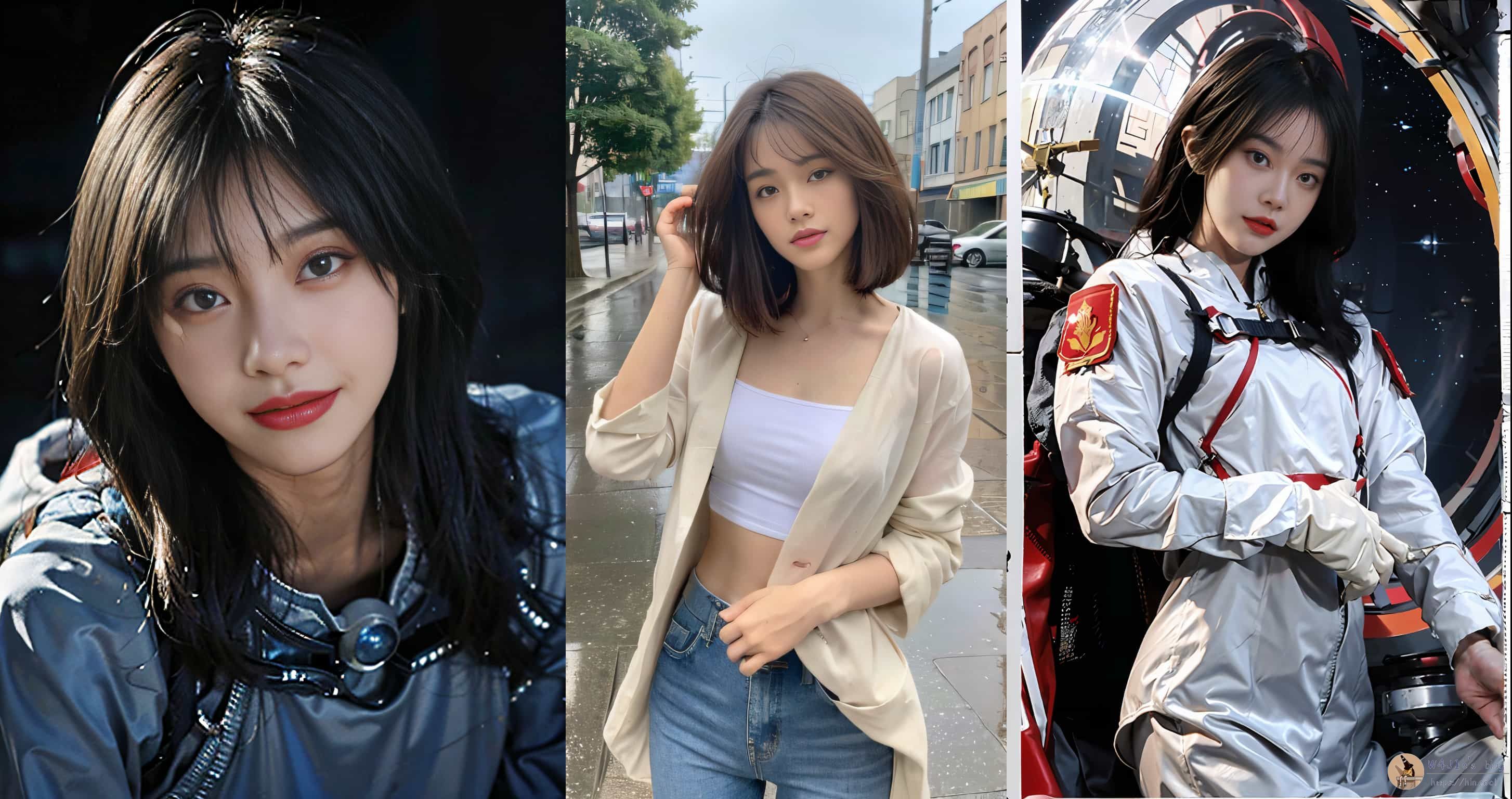
Overall experience
SeaArt leaves a strong impression mainly because it combines fast generation speed with a large variety of models and styles. Thanks to the hardware behind the service, images are usually finished quickly, often within about a minute. For anyone with ideas that are visually ambitious but hard to realize through their own drawing skills, this kind of tool can be genuinely useful.
At the time described here, the service was still free to use within daily limits. If it eventually shifts toward paid access, the most likely options would be credit deduction or subscription plans. Even with that possibility in mind, the current free quota makes it a very approachable way to experiment with AI art.