Typecho's Markdown editor can feel awkward at first, especially if you are used to a regular word processor. After a few months it becomes much more natural, but less common formatting still sends you looking for the syntax. The notes below are a quick reference for the Markdown patterns that come up most often in Typecho posts. They cover the basics and will be added to as new needs come up.
Bold and italic
Wrap the text in two asterisks for bold, and one asterisk for italic: **bold** and *italic*.

Quotes
Put > before the text you want to quote. Use the regular English greater-than sign and leave one space between the marker and the quoted text: > quoted text.

Lists
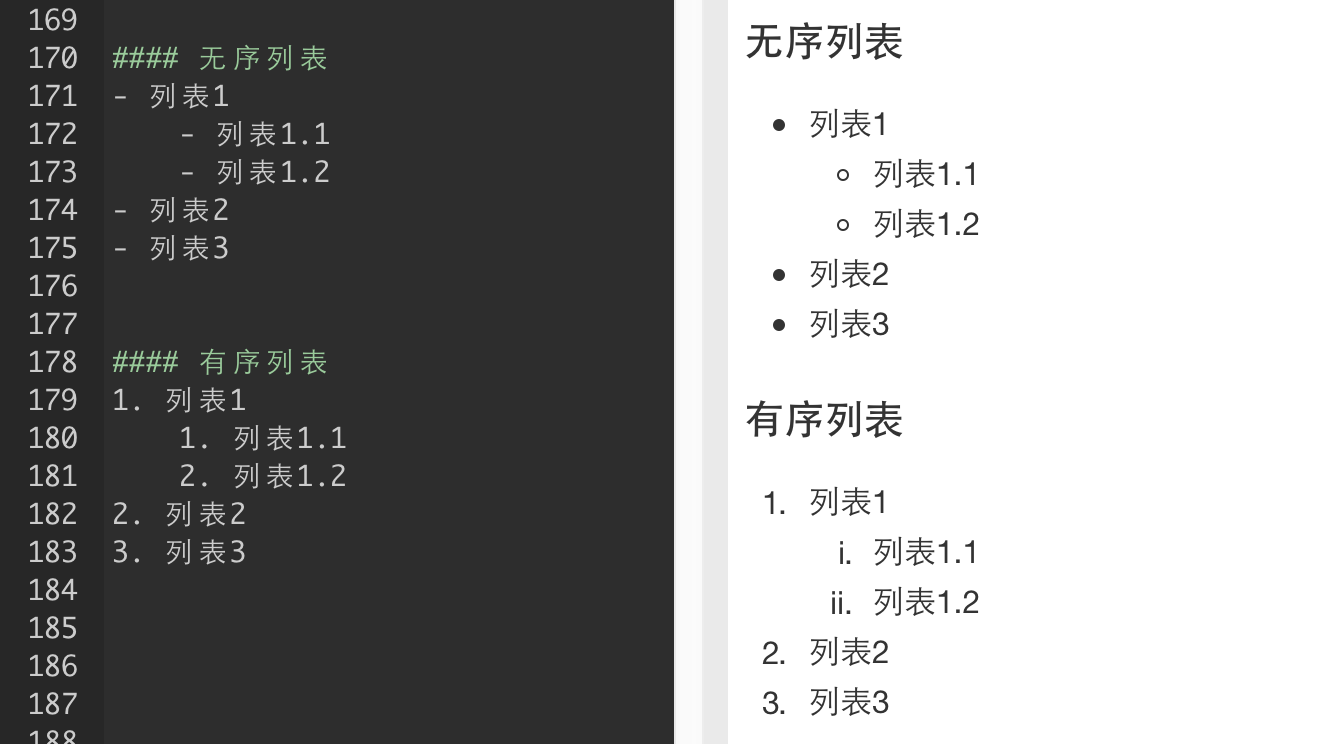
For an unordered list, start each line with - followed by a space. For a numbered list, use 1., 2., 3., and so on. Lists make a post easier to scan and organize.
Code highlighting
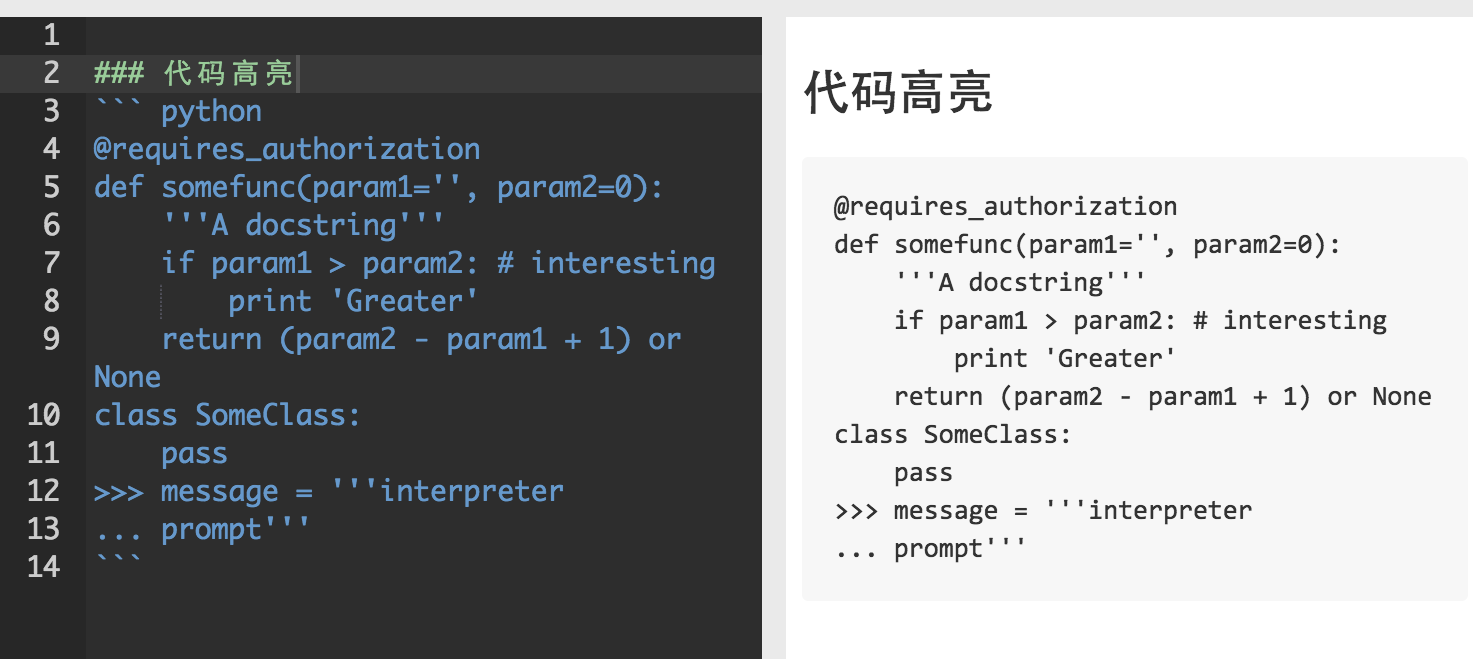
Wrap a code block with three backticks at the beginning and three at the end. Typecho's Markdown editor will render it as highlighted code.
Task lists
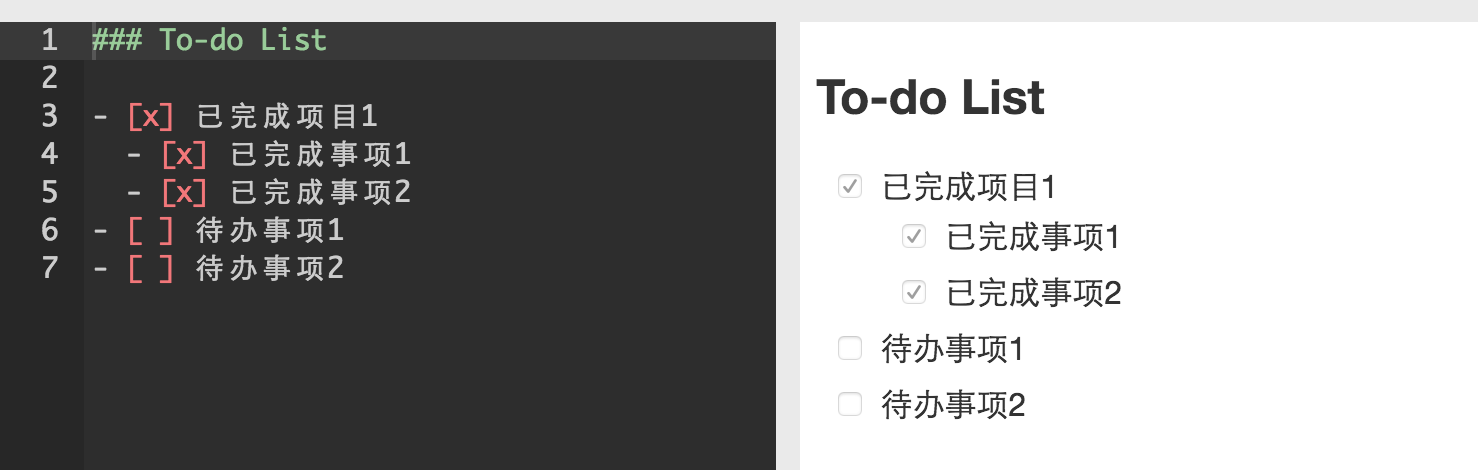
Checklist items use the list syntax plus a checkbox marker. A space inside the brackets means the item is open; an x marks it as done: - [ ] open item and - [x] completed item.
Links
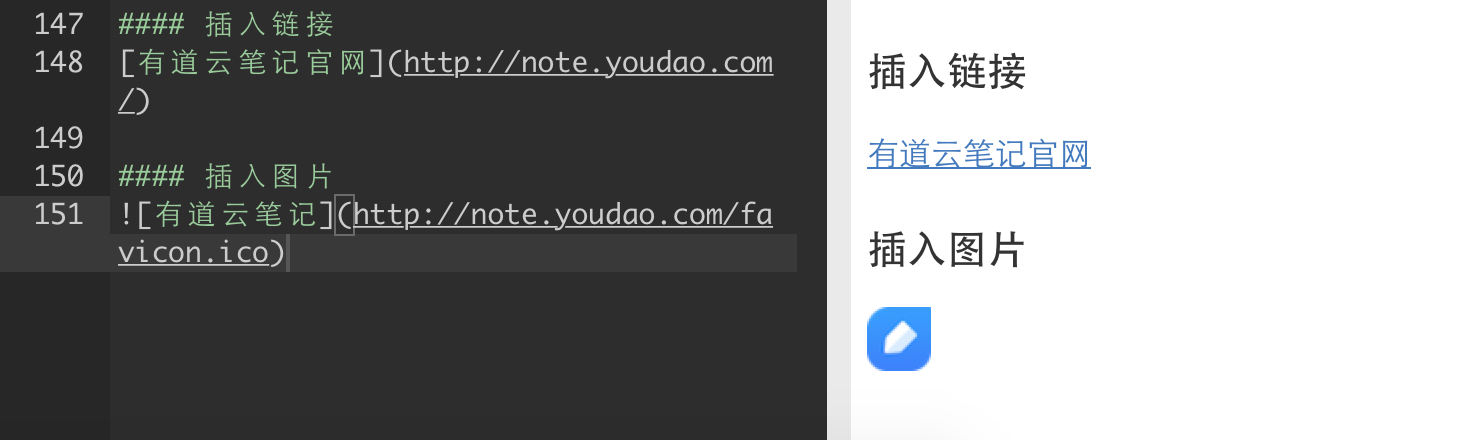
Links are written as [text](URL), where the first part is the clickable label and the part in parentheses is the destination.
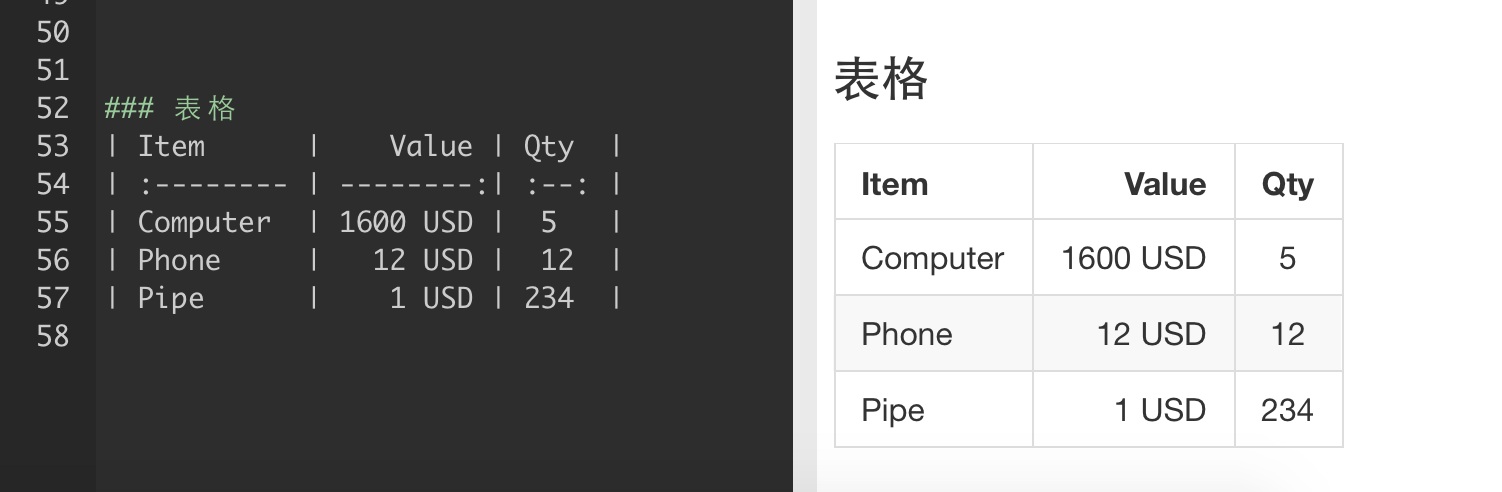
Tables
Tables use pipe characters to separate columns, with a separator row of hyphens under the header:
| Header | Header |
| --- | --- |
| Cell | Cell |
Headings
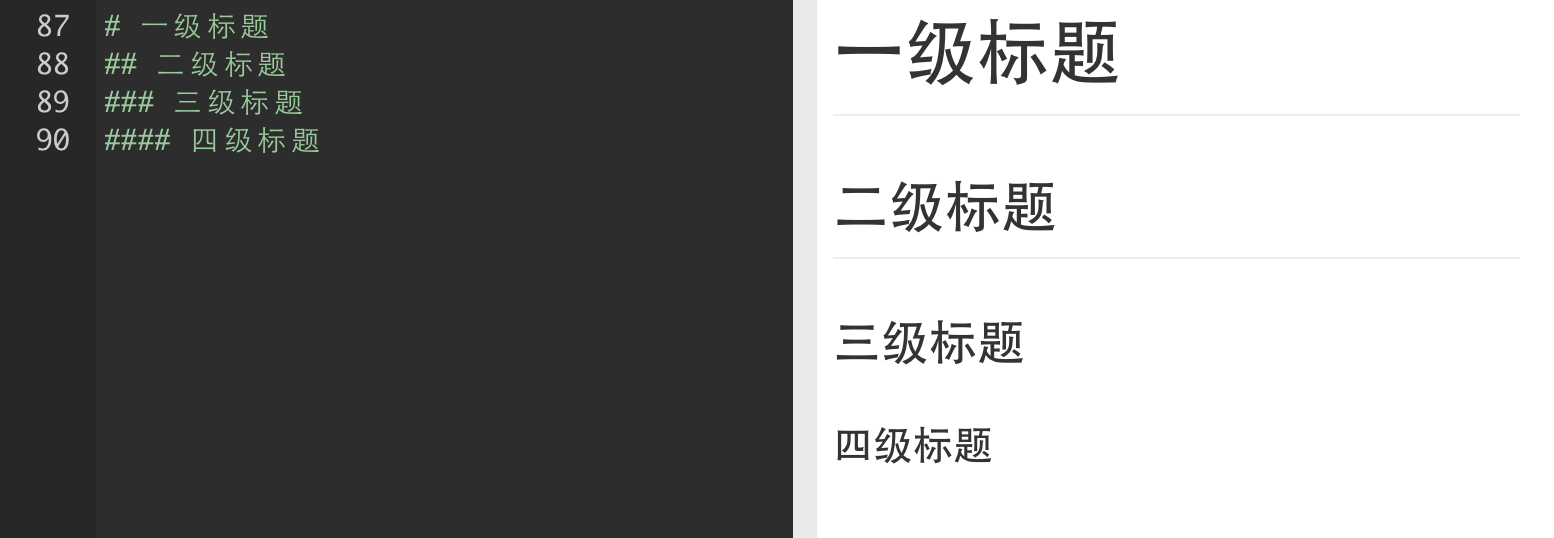
Start a line with # to create a heading. One # gives a level-one heading, two gives level-two, and so on.
Fonts and sizes
Markdown does not cover every formatting need, so raw HTML can be used for font face, color, and size:
<font face="黑体">我是黑体字</font>
<font face="微软雅黑">我是微软雅黑</font>
<font face="STCAIYUN">我是华文彩云</font>
<font color=#0099ff size=3 face="黑体">color=#0099ff size=72 face="黑体"</font>
<font color=#00ffff size=3>color=#00ffff</font>
<font color=gray size=3>color=gray</font>
If the HTML does not render correctly, try wrapping the snippet in three exclamation marks.
Space code
A blank code block can be used when you need to insert space without visible characters:
That covers the syntax that comes up most often in ordinary Typecho posts. Less common formatting can be looked up as needed, and this reference will grow as new cases appear.