OneMore started with a simple frustration. In another business unit at the company, there was an internal toolkit called bsptools that bundled a set of commonly used utilities. I asked the author whether it could be open-sourced, and the answer was no. Its UI was built first and foremost for practicality, which gave it a distinctly old-school look.
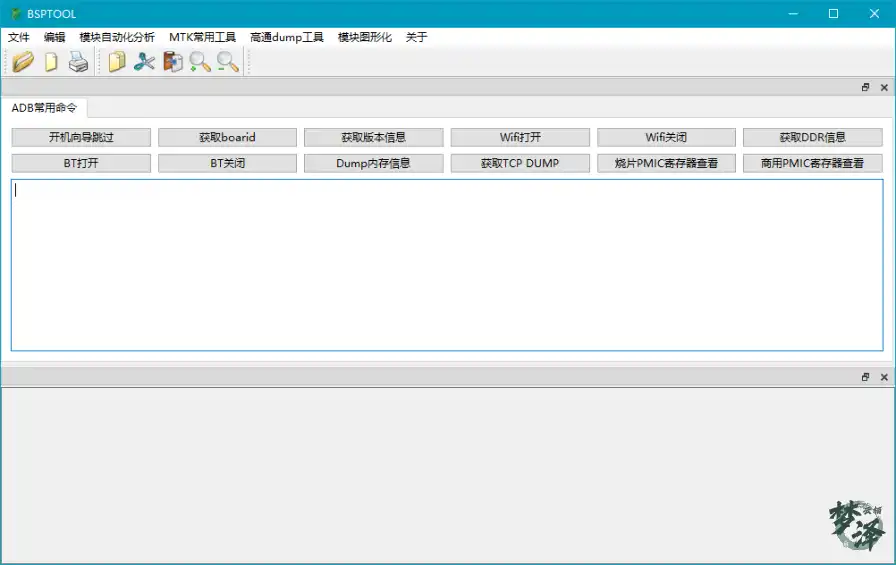
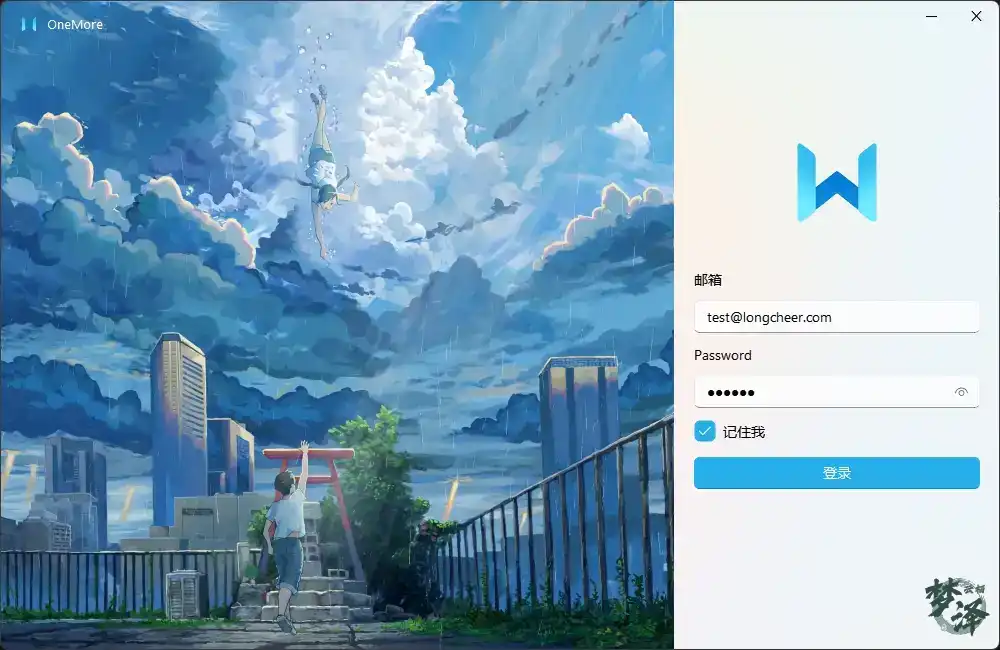
That tool became the spark for something of my own: a highly customizable integration platform where each utility could be added and configured freely. OneMore was born from that idea. The login screen below is the current entry point.
Framework design
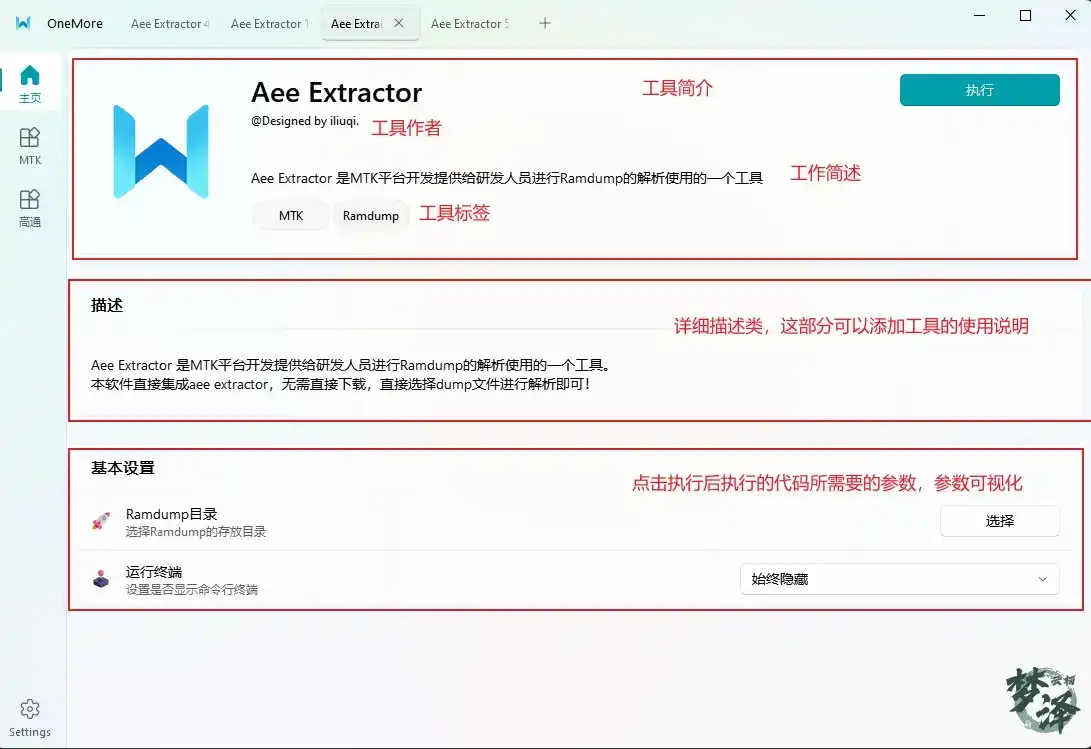
OneMore is built on PyQt6 together with fluent-widgets (https://github.com/zhiyiYo/PyQt-Fluent-Widgets/tree/PyQt6). A side navigation bar groups tools by category, and each tool opens as its own tab. Any variables a tool needs are exposed to the user through visual configuration instead of hard-coded values, so the person running the tool decides how it behaves.
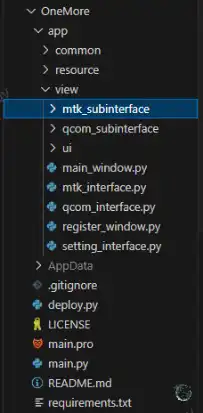
The project layout separates platform-specific tools, shared interfaces, resources, and UI definitions:
app/common: shared interfaces
app/resource: resource files, including icons, background images, language translation files, etc.
app/view/mtk_subinterface: tool collection for the MTK sidebar
app/view/qcom_subinterface: tool collection for the Qualcomm sidebar
app/view/ui : Qt Designer .ui files, currently only test UIs
app/main_window.py: main window
app/mtk_interface.py: MTK interface
app/qcom_interface.py: Qualcomm interface
app/register_window.py: account login screen
app/setting_interface.py: settings screen
What's already working
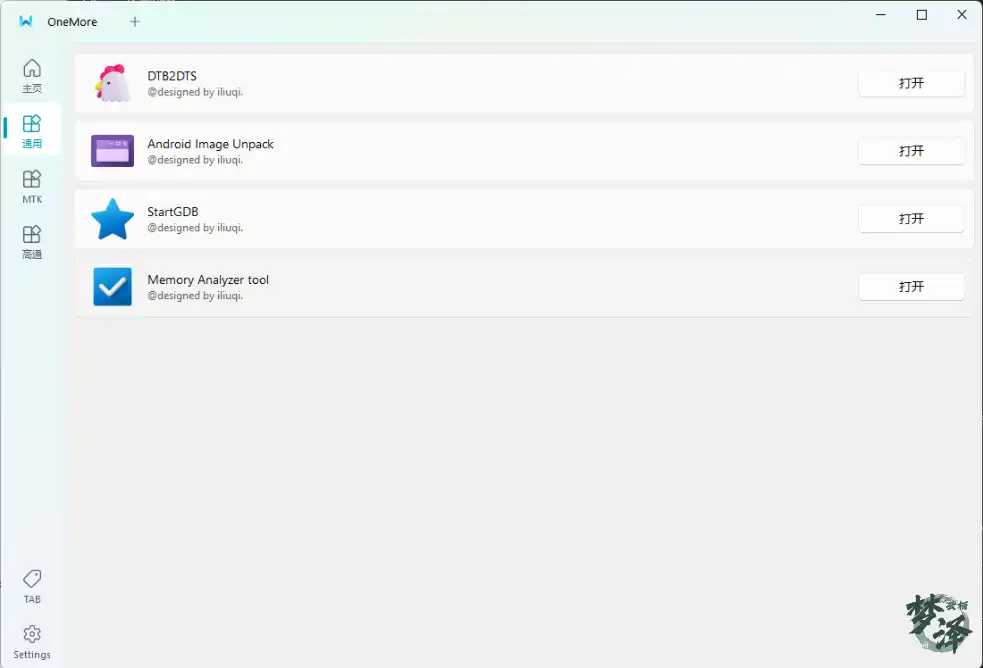
The core shell is in place: a login screen (login restrictions will be tightened later to keep the software from spreading unchecked), a settings screen with light/dark mode switching and language selection, a navigation bar that makes adding categories straightforward, tab support so new tools can slot into a category, and a tool execution page built around a short description, a detailed description, and visualized execution parameters.
On top of that foundation, several tools are now usable:
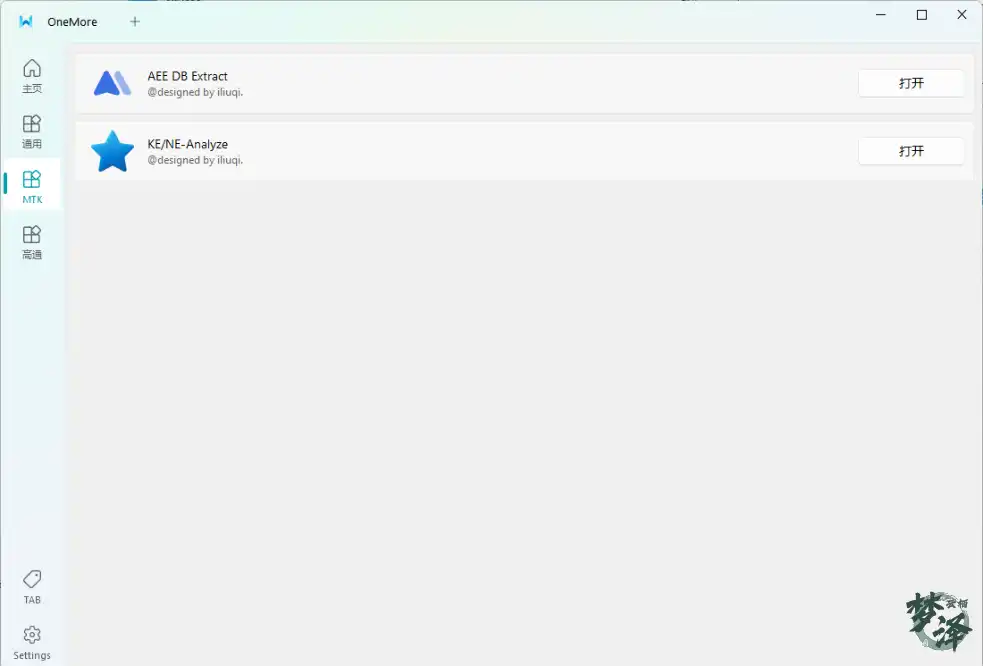
- MTK category: Aee extractor, with a visual interface
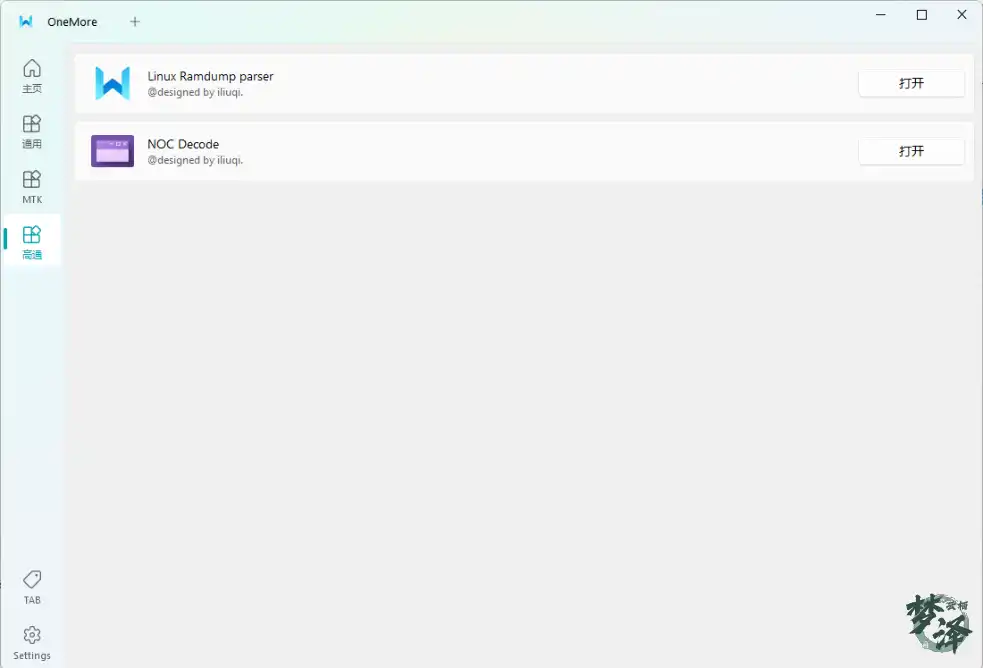
- Qualcomm category: Linux Ramdump Parser, visualization partially complete
- dtb-to-dts parsing
- Android images unpack
- gdb debugging
- Memory analyzer
- MTK KE/NE analysis
- NOC Decode
UI and business logic are kept separate, which means adding a new tool is mostly a matter of writing its logic and wiring up a view.
Where it's headed
The roadmap centers on the areas that come up most often in day-to-day BSP work:
- Tools and test scripts for BSP modules such as Wi-Fi, Bluetooth, charger, and audio — short-range, charger, and audio tooling will come first.
- Stability-related tooling.
- Everyday phone utilities, such as skipping the boot screen and syncing the device clock.
- A serial port tool. This one has no firm timeline, since there are already plenty of options in that space.
- More to come.
Open source and collaboration
The project follows a Linux-style open-source approach and is released in full. You can download it here: https://www.iliuqi.com/apps/app-group-gofdeenv
The source lives at https://github.com/miniLQ/onemore. If you have the skills and interest to help build it out, pull requests are welcome at https://github.com/miniLQ/onemore/pulls. If you have ideas or suggestions, open an issue at https://github.com/miniLQ/onemore/issues.