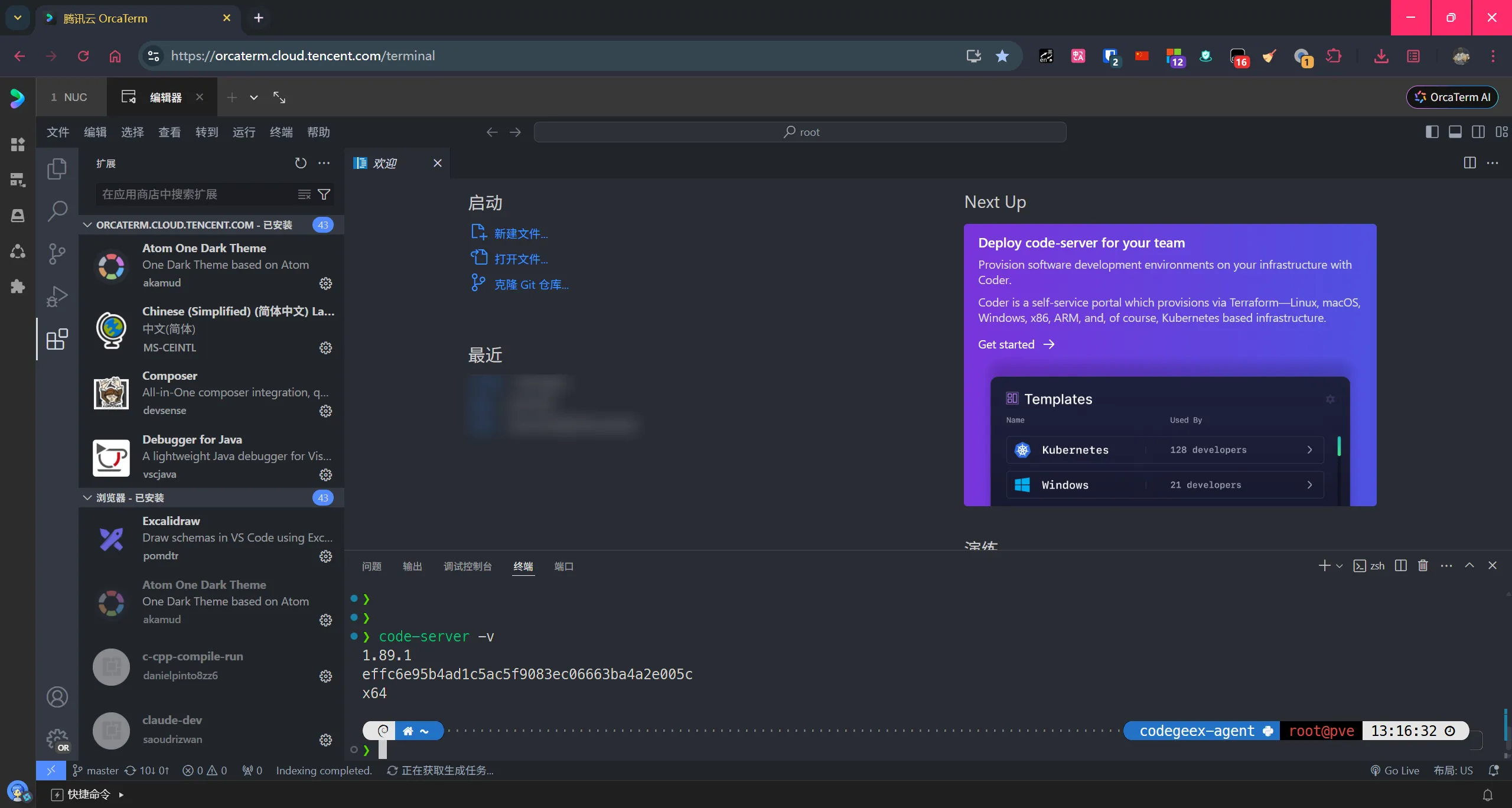
If you do not want to spend time on setup, you can also use hosted options such as Tencent OrcaTerm or Cloud Studio.
What it is
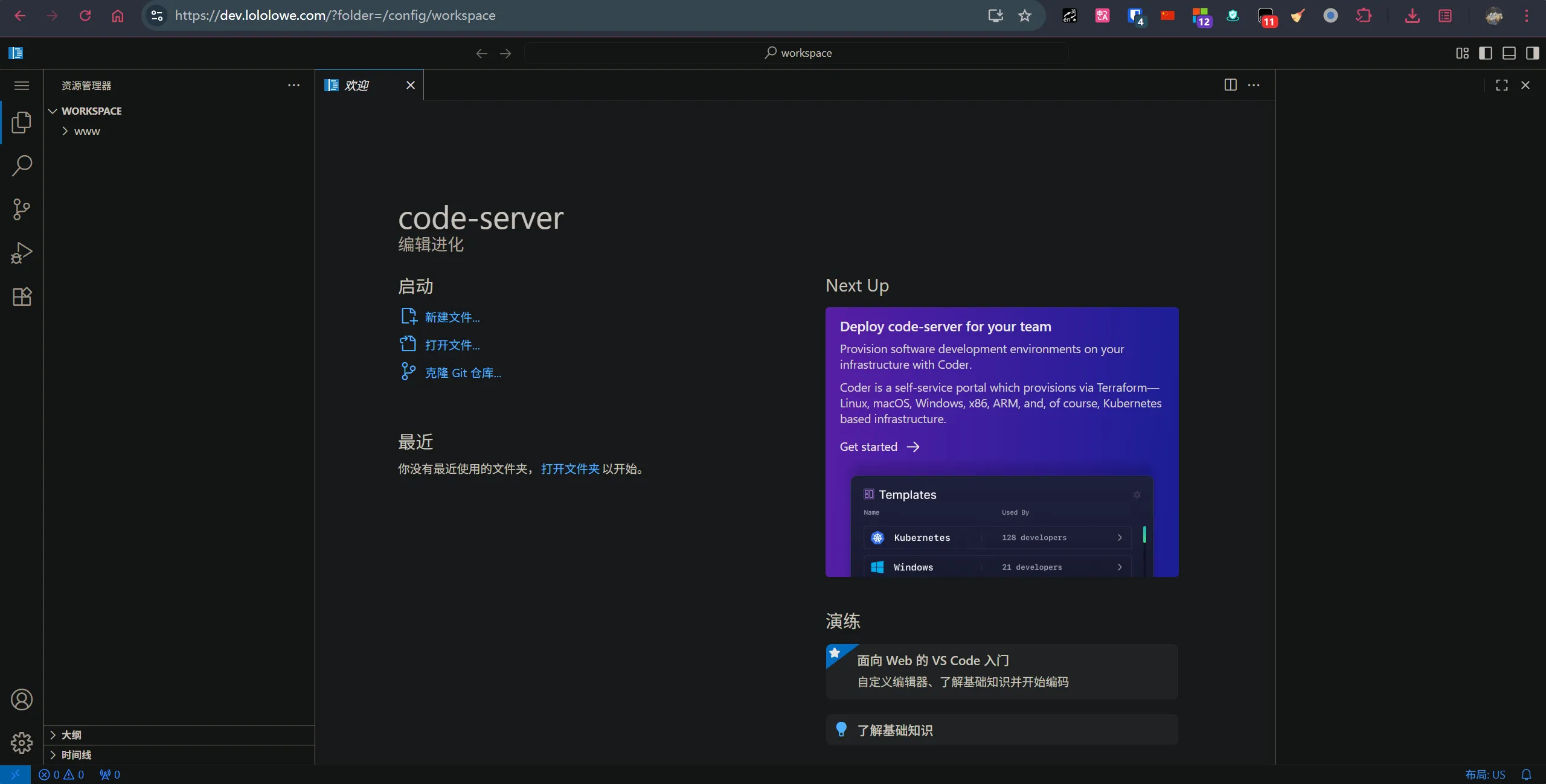
code-server brings the VS Code experience to the browser, which makes it convenient for remote development on a server.
Project repository: https://github.com/coder/code-server
Official Docker Hub image: https://hub.docker.com/r/codercom/code-server
Community-maintained Docker Hub image: https://hub.docker.com/r/linuxserver/code-server
One small detail that is easy to miss: the command-line tool is code-server, not code.
Deploying with Docker
Make sure Docker is already installed, then use the community image linuxserver/code-server with the following docker-compose.yaml:
services:
  code-server:
    image: linuxserver/code-server:latest
    container_name: code-server
    environment:
      - PUID=0 # 以 root 用户运行容器
      - PGID=0
      - TZ=Asia/Shanghai
      - PASSWORD=网页登录密码
    volumes:
      - /opt/code-server/config:/config # 宿主机目录挂载到容器 /config
      # 其他挂载路径按实际需求填写
      - /var/www/:/config/workspace/www/ # 宿主机 /var/www/ 目录挂载到容器 /config/workspace/www/
    ports:
      - "127.0.0.1:8443:8443" # 监听宿主机127.0.0.1,因此需要进行反代
    restart: unless-stopped
    user: "0:0" # 以 root 用户运行容器
This setup mounts /opt/code-server/config into the container as /config, and also maps /var/www/ into /config/workspace/www/ for use inside the editor. The service listens only on 127.0.0.1:8443, so it is intended to sit behind a reverse proxy rather than being exposed directly.
Reverse proxy with Nginx
Use this Nginx location block to forward traffic to code-server:
location / {
    proxy_pass http://127.0.0.1:8443;
    client_max_body_size 0;
    proxy_set_header Upgrade $http_upgrade;
    proxy_set_header Connection upgrade;
    proxy_set_header Host $host;
    proxy_set_header X-Real-IP $remote_addr;
    proxy_set_header X-Forwarded-For $proxy_add_x_forwarded_for;
    proxy_set_header X-Forwarded-Host $http_host;
    proxy_set_header X-Forwarded-Port $server_port;
    proxy_set_header X-Forwarded-Proto $scheme;
    proxy_redirect http:// https://;
}
With that in place, browser access, forwarded headers, and WebSocket upgrades will all be handled correctly through Nginx.